Managing Remote Work for AI Engineers Step-by-Step Success
Over 80 percent of AI engineers report that their productivity hinges on a well organized remote workspace. The demands of building complex models and managing collaborative projects from home can quickly lead to fatigue and distraction if your environment is not optimized. With the right setup and clear boundaries, you can sharpen your focus, protect your well being, and get the most out of every hour you spend working remotely.
Table of Contents
- Step 1: Set Up a Productive Remote Work Environment
- Step 2: Establish Effective Communication Channels
- Step 3: Implement Structured Project Workflows
- Step 4: Adopt Tools to Maximize Productivity
- Step 5: Monitor Progress and Optimize Performance
Step 1: Set Up a Productive Remote Work Environment
Creating a productive remote work environment is critical for AI engineers who want to maximize efficiency and maintain professional performance while working from home. According to insights from Squadery, establishing an ergonomic and distraction-free workspace is fundamental to success.
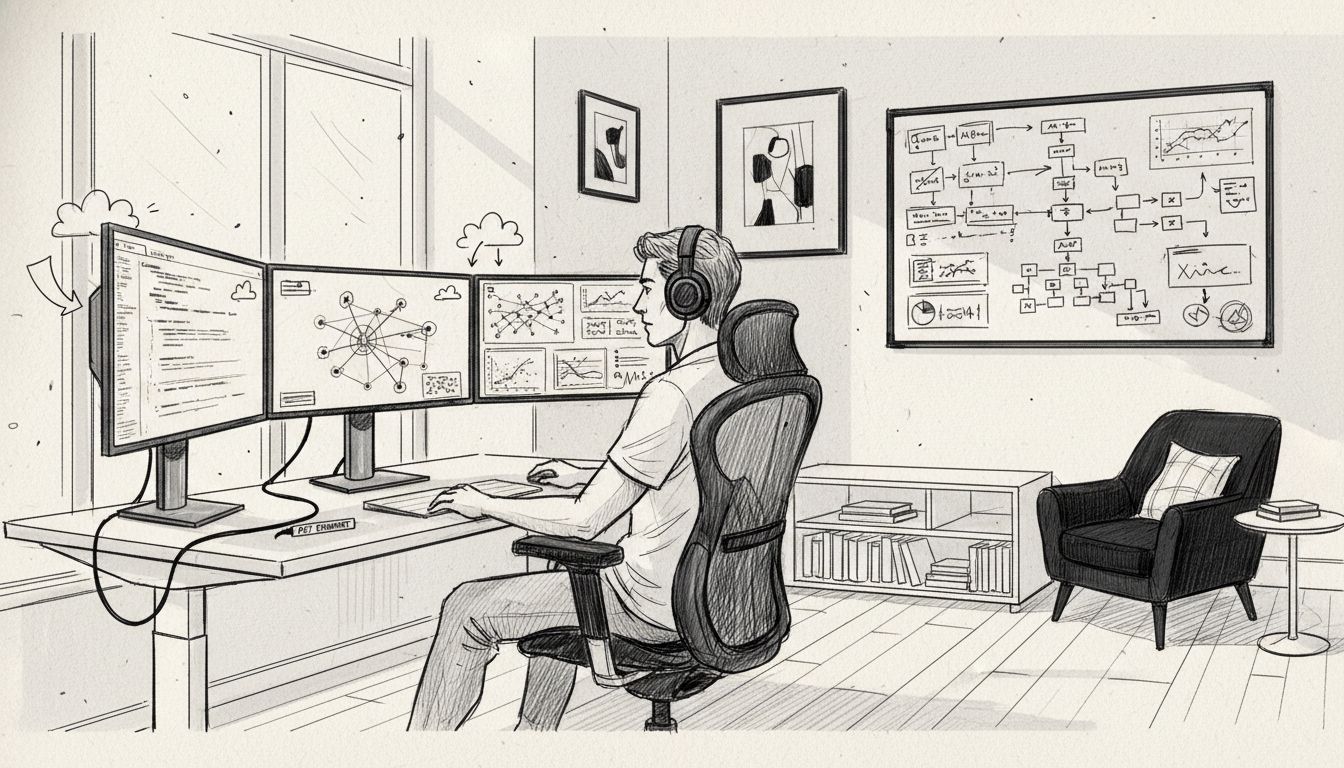
Start by selecting a dedicated workspace that separates your professional and personal areas. This means choosing a quiet location with minimal interruptions, preferably a room or corner that can be exclusively used for work. Invest in ergonomic equipment that supports your physical health - a high-quality adjustable chair, a desk at the right height, and proper monitor positioning will prevent strain during long coding and research sessions. Ensure your internet connection is robust and reliable, using a wired ethernet connection when possible to maintain consistent network performance for AI model training and collaborative work.
Your environment should also include robust digital infrastructure. Set up multiple monitors if your work involves complex AI system design, use noise-canceling headphones to block out background sounds, and organize your digital workspace with cloud storage and version control systems like GitHub. As Pace University recommends, creating clear boundaries between work and personal life is crucial for sustained productivity. This means establishing fixed working hours, taking regular breaks, and having a clear shutdown ritual that signals the end of your workday.
In your next step, you will focus on establishing communication protocols and selecting the right digital tools to support your remote AI engineering workflow.
Step 2: Establish Effective Communication Channels
Establishing robust communication channels is crucial for remote AI engineering teams to maintain collaboration and productivity. Research from arXiv highlights the significant impact of communication strategies on team coordination and preventing potential misunderstandings in remote work environments.
Begin by selecting a comprehensive communication stack that supports both synchronous and asynchronous interactions. This means utilizing tools like Slack for real-time messaging, Zoom for video conferences, and Microsoft Teams or Asana for project tracking and collaborative documentation. According to insights from Mold Studios, successful remote AI teams leverage multiple communication platforms to ensure seamless information exchange across different time zones. Implement clear communication protocols such as daily standups, weekly team meetings, and consistent status update channels to keep everyone aligned and informed.
Create a communication hierarchy that defines which channels to use for specific types of interactions. For urgent matters, use instant messaging or quick video calls. For detailed technical discussions, schedule dedicated video conferences with screen sharing capabilities. Document important decisions and technical specifications in shared collaborative platforms like Notion or Google Docs to maintain a clear record of team discussions and project evolution.
The Master Communication Skills for Engineers resource offers additional insights into refining these communication strategies.
In your next step, you will learn how to manage time effectively and establish productive remote work routines that complement these communication strategies.
Step 3: Implement Structured Project Workflows
Implementing structured project workflows is essential for remote AI engineering teams to maintain efficiency and consistency across distributed work environments. Research from arXiv emphasizes the critical role of MLOps practices in developing robust and scalable project management strategies for AI development.
Begin by establishing a comprehensive project management framework that integrates continuous integration and continuous delivery (CI/CD) principles. Utilize tools like GitHub Actions or GitLab CI for automated code testing and deployment. Create clear project roadmaps with well defined milestones and deliverables, breaking down complex AI projects into manageable sprints. According to Sydney Academics, successful remote teams implement rigorous tracking mechanisms to ensure accountability and progress visibility. Leverage project management platforms like Jira or Trello to assign tasks, track progress, and maintain transparent workflow documentation.
Develop a standardized workflow that includes regular code reviews, automated testing protocols, and consistent documentation practices. The Enterprise Ready AI Development Workflows article provides additional insights into creating robust development processes. Implement version control best practices, ensuring that all team members follow consistent branching strategies and maintain clear commit messages. Establish weekly sync meetings to review project progress, address potential bottlenecks, and realign team objectives as needed.
In your next step, you will explore strategies for maintaining personal productivity and managing work life balance in a remote AI engineering environment.
Step 4: Adopt Tools to Maximize Productivity
Maximizing productivity for remote AI engineers requires strategic selection and implementation of advanced digital tools and technologies. Research from arXiv highlights the critical role of collaboration technologies in enhancing team performance and maintaining effective remote work environments.
Begin by curating a comprehensive productivity toolkit that addresses different aspects of AI engineering workflow. Select robust project management platforms like Linear or Asana for task tracking, integrate version control systems such as GitHub with automated CI/CD pipelines, and leverage cloud development environments like GitHub Codespaces or AWS Cloud9 for seamless collaborative coding. According to insights from Remote, successful remote engineering teams prioritize tools that facilitate transparent communication and streamline workflow processes. Consider implementing AI powered coding assistants like GitHub Copilot or Claude vs Codex to accelerate development cycles and reduce repetitive coding tasks.
Establish a systematic approach to tool integration by conducting regular team reviews of your productivity stack. Create guidelines for tool usage, ensuring that every team member understands how to maximize each platform effectively. Implement a continuous learning approach where team members share productivity hacks and tool optimization strategies during weekly sync meetings. Prioritize tools that offer robust analytics and performance tracking to help you continuously refine your remote work methodology.
In your next step, you will explore strategies for maintaining personal well being and managing professional boundaries in a remote AI engineering environment.
Step 5: Monitor Progress and Optimize Performance
Monitoring and optimizing performance are critical skills for remote AI engineers to maintain productivity and drive continuous improvement. Research from arXiv emphasizes the importance of integrating strategic monitoring techniques in AI supported remote work environments.
Develop a comprehensive performance tracking system that combines quantitative metrics and qualitative assessments. Utilize tools like Jira or Linear for tracking task completion rates, and implement weekly performance reviews that go beyond simple productivity numbers. According to Insightful, successful remote teams focus on knowledge sharing and transparent documentation. Leverage Master AI Model Monitoring for Peak Performance strategies to create detailed performance dashboards that track key indicators such as code quality, model training progress, and individual contribution levels.
Establish a continuous feedback loop that allows for real time performance optimization. Schedule regular one on one meetings to discuss individual growth, challenges, and potential improvements. Implement peer review processes where team members can provide constructive feedback and share best practices. Create a culture of continuous learning by encouraging team members to document their optimization strategies and share insights during team meetings. This approach not only improves individual performance but also builds a collective knowledge base that benefits the entire team.
In your next step, you will explore strategies for maintaining work life balance and personal well being in a demanding remote AI engineering role.
Take Your Remote AI Engineering Career to the Next Level
Managing remote work as an AI engineer requires mastering productive workspaces, clear communication channels, structured workflows, and performance optimization. These challenges can feel overwhelming when you’re navigating them alone, but you don’t have to figure it out by yourself.
Ready to accelerate your AI engineering career with proven strategies and a supportive community? Join the AI Native Engineer community where you’ll connect with fellow AI professionals, access practical tutorials, and get expert guidance on MLOps, productivity tools, and remote work best practices. Transform your remote work experience and unlock your full potential as an AI engineer today.
Frequently Asked Questions
How can I create a productive remote work environment as an AI engineer?
Start by designating a specific area in your home solely for work, free from distractions. Invest in ergonomic furniture and ensure your internet connection is reliable to enhance focus and efficiency.
What communication tools should remote AI engineering teams use?
Utilize a mix of communication platforms such as messaging apps for quick chats, video conferencing tools for meetings, and project management software for task tracking. Implement a clear schedule for daily check-ins and weekly updates to keep team members aligned.
How can I structure project workflows for remote AI engineering?
Establish a project management framework that includes clear milestones and utilizes version control systems for collaboration. Break down complex projects into manageable sprints and regularly review progress during team meetings to ensure accountability.
What tools can help maximize my productivity as an AI engineer working remotely?
Curate a toolkit that includes project management platforms, version control systems, and cloud development environments tailored to your workflow. Regularly assess your tools and share productivity tips with your team to continuously improve efficiency.
How can I monitor my performance while working remotely as an AI engineer?
Create a performance tracking system that combines both quantitative metrics and qualitative feedback from peers. Schedule regular performance reviews and implement a continuous feedback loop to identify areas for growth and optimization.
What strategies can I implement to maintain work-life balance while remote working as an AI engineer?
Set clear boundaries for work hours and incorporate regular breaks into your daily routine. Develop a shutdown ritual at the end of your workday to signal a transition back to personal time, helping to sustain long-term productivity and well-being.
Recommended
- 7 Practical Remote Work Productivity Tips for AI Engineers
- Remote AI Engineering: How to Land Six-Figure Work-From-Home Roles
- Remote AI Engineer Opportunities Guide
- How to Get Remote AI Developer Jobs in 2024
- remote work interview questions - ParakeetAI
