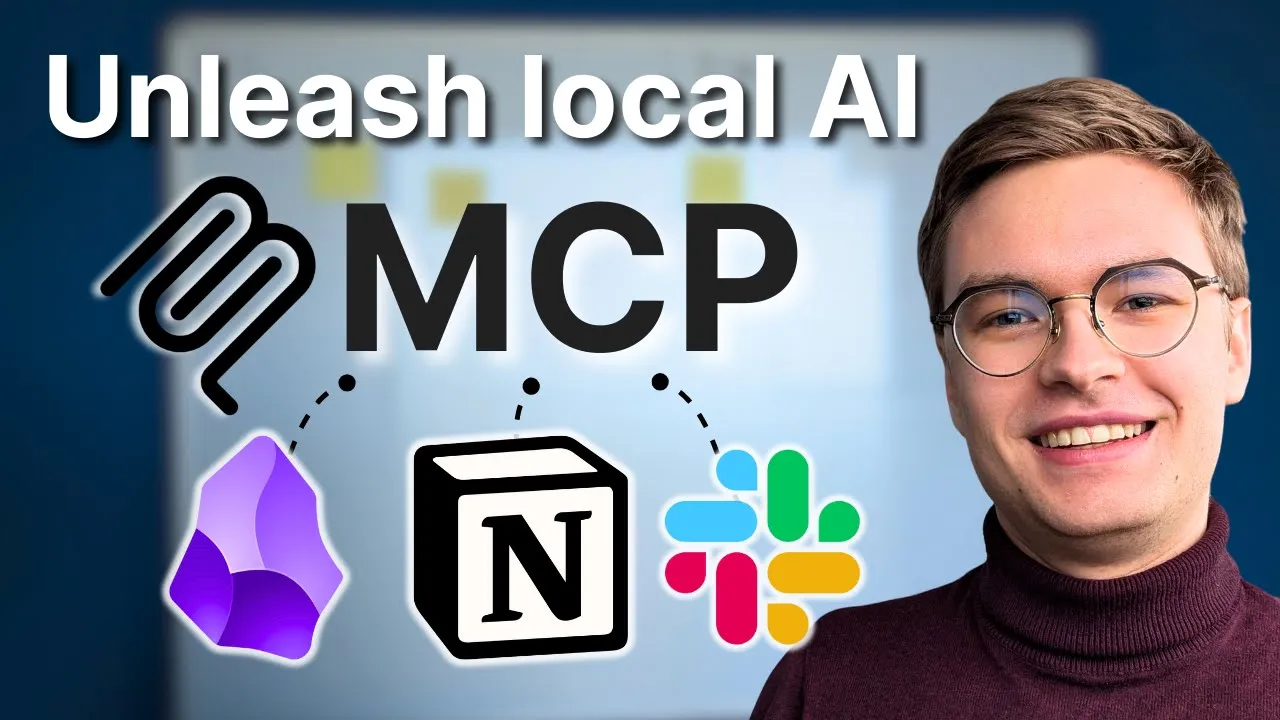
MCP Servers and Integrations - Essential Tools for AI Systems
The real power of Model Context Protocol emerges when you connect the right servers for your specific workflow. Through building production AI systems, I’ve identified which MCP integrations deliver genuine value versus those that add complexity without meaningful benefit.
MCP as Your AI Integration Standard
Think of MCP as the USB-C for AI connectivity. Before USB-C, every device needed different cables and adapters. MCP provides that same standardization for AI systems. Instead of building custom integrations for every service, MCP servers create a consistent connection layer that any compatible AI can use.
This standardization means integrations you build today continue working as AI models improve. You’re not locked into specific versions or implementations.
High-Value MCP Server Categories
Knowledge Base Servers
Connecting AI to knowledge management tools like Obsidian, Notion, or personal wikis transforms how you work with information. These servers enable:
- Semantic search across your notes and documents
- Automatic connection discovery between concepts
- Synthesis of information from multiple sources
- Gap identification in research or documentation
The privacy advantage is significant here. Your personal knowledge stays local while still being accessible to AI assistance.
Development Tool Servers
For engineers, development-focused MCP servers provide the highest productivity gains:
- Git Servers: Repository analysis, commit history, change tracking
- Filesystem Servers: Code access, file manipulation, project navigation
- Database Servers: Query execution, schema exploration, data analysis
- Testing Servers: Test execution, coverage analysis, result interpretation
For a deep dive into using these with Claude specifically, check out my Claude Code tutorial for programming.
External Service Servers
MCP servers that connect to external APIs create controlled access points:
- Web search and research capabilities
- Cloud service management
- Communication platform integration
- Third-party API abstraction
Top MCP Integrations Worth Setting Up
1. Filesystem Integration
The most immediately useful MCP server provides file system access. Configure it with:
- Specific directory roots for safety
- File type filtering to prevent accidental modifications
- Permission boundaries (read-only for sensitive areas)
- Exclude patterns for private directories
This single integration enables AI to understand your projects, read documentation, and assist with code across your codebase.
2. Database Connections
Database MCP servers create a secure query layer. The AI can explore schema, run queries, and analyze data without needing direct database credentials. Configure with:
- Connection pooling for performance
- Query timeout limits for safety
- Result set size restrictions
- Schema-level access controls
3. Documentation and Knowledge Tools
Connect your documentation systems through MCP for context-aware AI assistance:
- Personal note systems (Obsidian, Logseq)
- Team documentation (Confluence, Notion)
- Code documentation (README files, inline docs)
- External references (API documentation, tutorials)
4. Version Control Systems
Git integration through MCP enables sophisticated development workflows:
- Understanding project history and context
- Analyzing changes and their impact
- Preparing commits with appropriate messages
- Reviewing code across branches
Building Custom MCP Servers
When existing servers don’t meet your needs, building custom MCP servers is straightforward:
When to Build Custom
Consider custom servers when:
- You need specific functionality not available elsewhere
- Security requirements demand controlled access
- Performance needs require optimization
- Integration with proprietary systems is necessary
Custom Server Architecture
A basic MCP server needs:
- Request handler for incoming AI requests
- Capability definitions describing available tools
- Response formatting matching MCP standards
- Error handling for graceful failure
Start with a minimal implementation, then expand based on actual usage patterns.
Integration Patterns That Scale
The Gateway Pattern
Position MCP servers as gateways between AI and services. This provides:
- Centralized logging and monitoring
- Rate limiting and cost control
- Security policy enforcement
- Capability filtering based on context
The Aggregation Pattern
Combine multiple data sources behind a single MCP server. The AI sees one unified interface while the server handles complexity:
- Merging results from multiple databases
- Combining documentation from different sources
- Aggregating metrics from various systems
- Unifying search across platforms
The Transformation Pattern
Use MCP servers to transform data formats:
- Converting legacy API responses to useful formats
- Translating between data schemas
- Normalizing inconsistent data sources
- Enriching sparse data with additional context
Maintaining MCP Integrations
Production MCP setups require ongoing attention:
Monitoring
Track key metrics for each integration:
- Request volume and latency
- Error rates and types
- Resource utilization
- Capability usage patterns
Updates
Keep servers current:
- Security patches for dependencies
- Protocol updates as MCP evolves
- Capability expansions based on needs
- Performance optimizations from learnings
Documentation
Maintain clear documentation:
- Available capabilities per server
- Configuration requirements
- Troubleshooting procedures
- Permission and security details
The investment in proper MCP integration pays dividends as your AI-assisted workflows become more sophisticated. Each well-configured server multiplies what AI can accomplish within your specific context.
To see exactly how to implement these concepts in practice, watch the full video tutorial on YouTube. I walk through each step in detail and show you the technical aspects not covered in this post. If you’re interested in learning more about AI engineering, join the AI Engineering community where we share insights, resources, and support for your journey. Turn AI from a threat into your biggest career advantage!
