Top AI Coding Assistants - A Senior Engineer's Practical Guide
The landscape of AI coding assistants has expanded dramatically, leaving developers overwhelmed by options. Having built production AI systems and evaluated numerous tools in real projects, I’ve developed a framework for understanding what actually matters when choosing among leading AI coding tools.
Beyond Feature Checklists
Most AI coding assistant comparisons focus on feature matrices: which tools offer inline completion, which support multiple languages, which have the largest context windows. These comparisons miss what matters for sustained productivity.
The developers I’ve worked with who get the most value from AI assistants aren’t using the tool with the longest feature list. They’re using a tool that fits their workflow deeply enough to become automatic. The marginal feature differences matter far less than integration depth.
Every tool switch resets your accumulated expertise. The keyboard shortcuts you’ve memorized, the prompting patterns you’ve developed, the edge cases you’ve learned to work around. This expertise compounds over time, making a “good enough” tool used expertly outperform a “superior” tool used superficially.
Categories of AI Coding Tools
Understanding the categories helps clarify the landscape. IDE-integrated assistants like Cursor and Windsurf embed AI throughout a full development environment. You get a complete editor with AI capabilities woven into editing, debugging, and project navigation.
Terminal-based agents like Claude Code and Aider operate from your command line, analyzing codebases and executing changes without graphical interfaces. These suit developers already comfortable in terminal workflows and offer unique advantages for multi-file operations.
Plugin-based approaches add AI capabilities to existing editors through extensions. This preserves your existing environment while adding AI features. The integration depth varies, but you maintain familiarity with your primary tool.
Each category serves different developer profiles and project needs. There’s no universally superior approach.
What Elite Developers Prioritize
Watching senior developers evaluate AI coding assistants reveals different priorities than feature comparisons suggest. They care about predictability over capability. A tool that reliably handles common tasks beats one that occasionally produces impressive results but frequently surprises you.
Context understanding matters more than raw generation speed. Tools that effectively leverage your codebase context produce more useful suggestions than faster tools working with limited information. How a tool handles large projects often determines real-world productivity.
Integration with existing workflows weighs heavily. Does the tool work with your testing frameworks, your CI pipeline, your code review process? Standalone capabilities mean little if they create friction in your established processes.
The Expertise Development Problem
Every AI coding assistant requires expertise to use effectively. You need to learn what kinds of requests produce good results, how to provide context effectively, when to accept suggestions versus modify them, and when to abandon AI assistance entirely.
This expertise development takes months of daily use. Developers who switch tools frequently never build the deep familiarity that unlocks real productivity gains. They’re perpetually in the learning phase, never reaching the fluency phase.
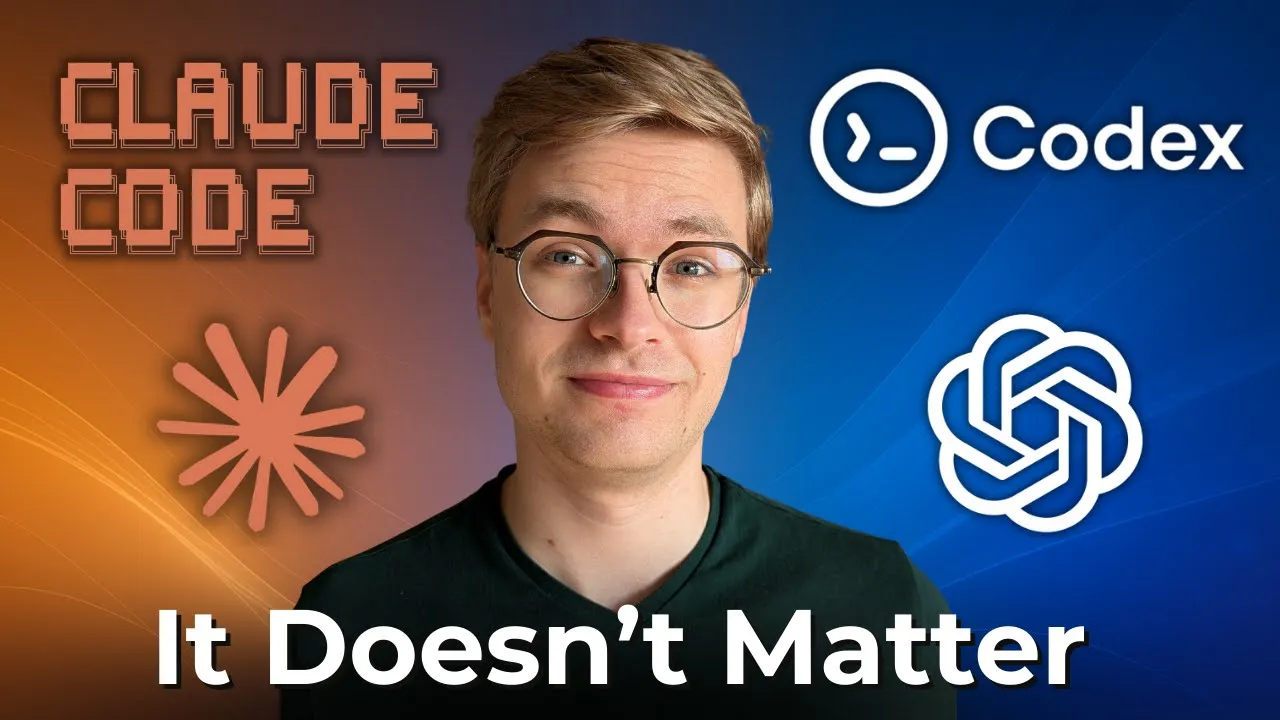
The implication is stark: the choice between top AI coding assistants matters less than the commitment to developing expertise with your chosen tool. A mediocre tool mastered exceeds a superior tool used casually.
Practical Selection Framework
Rather than feature comparisons, evaluate AI coding assistants against your specific context. What languages and frameworks do you use daily? How large are your codebases? Do you work alone or on teams? What’s your budget for tooling?
Trial periods matter more than reviews. Use each candidate tool on real projects for at least a week. Track objective metrics like accepted suggestion rate, time spent on rework, and overall task completion time. Your experience will differ from others with different projects and styles.
Consider the ecosystem around the tool. Active development, responsive support, and engaged community all indicate a tool likely to improve over time. AI capabilities are evolving rapidly, and a tool’s trajectory matters as much as its current state.
Making the Commitment
Once you’ve evaluated options, make a decision and commit for at least six months. This commitment isn’t about stubbornness. It’s about giving yourself time to develop genuine expertise.
During this period, resist the urge to evaluate alternatives. Every comparison article you read, every new tool announcement you analyze, that’s mental energy diverted from building expertise with your chosen approach.
After six months, you’ll have the perspective to evaluate whether your choice serves you well. If not, switch deliberately with full awareness of the expertise cost. If so, continue building depth rather than breadth.
For detailed analysis of specific tools, see my comprehensive AI coding tools comparison. If you’re weighing investment levels, my guide on free versus paid AI coding tools provides practical frameworks.
To see exactly how to implement these concepts in practice, watch the full video tutorial on YouTube. I walk through each step in detail and show you the technical aspects not covered in this post. If you’re interested in learning more about AI engineering, join the AI Engineering community where we share insights, resources, and support for your learning journey.
